
Standards
What Is WCAG? A Plain-English Guide for Product and Compliance Teams
A plain-English guide to WCAG for product, compliance, design, engineering, QA, and leadership teams preparing for an accessibility audit.
Quick answer: what is WCAG?
WCAG stands for Web Content Accessibility Guidelines. It is the international W3C standard that explains how to make web content more accessible to people with disabilities.
In an accessibility audit, WCAG gives teams a common language for testing websites, web apps, documents, digital journeys, and some non-web ICT contexts. It helps auditors map findings to clear requirements and helps delivery teams remediate issues with evidence.
Why WCAG matters for product and compliance teams
WCAG matters because it turns accessibility from a general intention into a testable framework. Instead of saying a product should be accessible, teams can test specific success criteria, collect evidence, and track remediation against a defined target such as WCAG 2.2 AA.
For product and compliance teams, WCAG supports audit planning, procurement review, release readiness, vendor conversations, design-system governance, and remediation prioritization.
- Product teams use WCAG to understand what must work for users across key journeys.
- Compliance teams use WCAG to connect findings to a recognized standard.
- Design teams use WCAG to guide contrast, focus, interaction, structure, and error patterns.
- Engineering teams use WCAG to implement semantic, keyboard, form, media, and state behavior correctly.
- QA teams use WCAG to define repeatable accessibility checks and retest criteria.
What does web content mean in WCAG?
W3C explains that web content includes natural information such as text, images, and sounds, and code or markup that defines structure and presentation. In practice, this means WCAG is not only about visible page design.
A polished interface can still fail WCAG if the underlying structure, keyboard behavior, accessible names, form relationships, focus order, media alternatives, or dynamic updates do not work for assistive technology users.
- Text, headings, links, buttons, and instructions.
- Images, icons, charts, audio, and video.
- HTML, ARIA, CSS, scripts, and application states.
- Forms, errors, validation, and status messages.
- Documents, mobile web views, and some non-web ICT contexts when included in scope.
The four WCAG principles in plain English
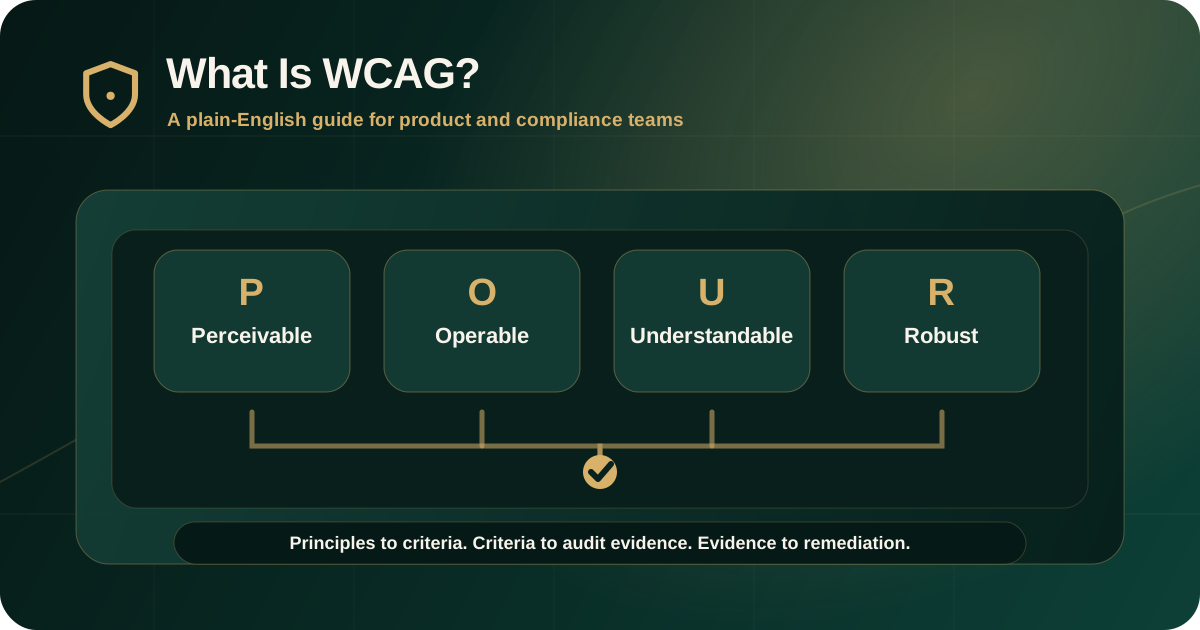
WCAG is organized around four principles: perceivable, operable, understandable, and robust. These are often summarized as POUR.
A digital experience should let people perceive information, operate controls, understand content and interaction, and use the product reliably with browsers and assistive technologies.
- Perceivable: users can access the information through sight, hearing, touch, or assistive technology.
- Operable: users can navigate, activate controls, and complete tasks without being blocked.
- Understandable: users can understand content, instructions, navigation, forms, and errors.
- Robust: content is built in a way that works reliably with current and future user agents and assistive technologies.
Guidelines and success criteria
Under the four principles, WCAG includes guidelines and testable success criteria. The success criteria are what determine conformance to WCAG.
For audit work, success criteria matter because they give each finding a specific reference. A report should not only say that a page is inaccessible. It should explain which success criterion is affected and what evidence proves the barrier.
- Guidelines describe broad accessibility goals.
- Success criteria describe testable requirements.
- Techniques and understanding documents help teams interpret and implement the criteria.
- Audit findings should map barriers to relevant criteria where applicable.
- Retesting should verify the expected accessible behavior, not only the visual change.
What do A, AA, and AAA mean?
WCAG success criteria are grouped into three levels: A, AA, and AAA. Level A is the minimum set. Level AA is the most common target for audits, procurement, policy, and compliance-sensitive digital products. Level AAA is more demanding and is not usually required for every page or product.
A, AA, and AAA are conformance levels. They are not the same as audit severity labels such as critical, high, medium, and low. Severity explains remediation priority. WCAG level explains the standards target.
- A: foundational accessibility requirements.
- AA: common audit and policy target that includes A and AA success criteria.
- AAA: higher-level criteria that can be useful, but may not be practical or required for all content.
- Severity: a separate audit-priority label based on user impact and risk.
- Scope: the tested pages, workflows, documents, components, and platforms covered by the audit.
WCAG 2.0, 2.1, and 2.2
WCAG 2.0, WCAG 2.1, and WCAG 2.2 are existing W3C standards. W3C encourages use of the latest version. WCAG 2.2 adds newer success criteria and does not deprecate WCAG 2.0 or WCAG 2.1.
For modern audits, WCAG 2.2 AA is often a practical target because it includes newer criteria relevant to current web, app, and interaction patterns. The exact target should be defined in the audit scope before testing starts.
- WCAG 2.0 established the core WCAG 2 framework.
- WCAG 2.1 added criteria for mobile, low vision, and cognitive accessibility needs.
- WCAG 2.2 added more criteria, including several that affect focus, dragging, target size, and help patterns.
- The audit scope should name the WCAG version and conformance target.
- Teams should avoid saying WCAG compliant without defining scope, version, level, and evidence.
What a WCAG accessibility audit usually checks
A WCAG audit checks whether users can access information, operate controls, understand flows, and complete tasks. Serious audits combine automated signals with manual expert testing because many WCAG issues require human judgment.
The audit should focus on real user journeys, not only isolated pages.
- Keyboard access, focus order, focus visibility, and keyboard traps.
- Screen reader names, roles, states, values, reading order, and status messages.
- Text alternatives, headings, landmarks, labels, instructions, and link purpose.
- Color contrast, text resizing, reflow, spacing, and visual states.
- Forms, errors, validation, authentication, payment, search, and account workflows.
- Media alternatives, captions, transcripts, PDFs, documents, and dynamic content where in scope.
What teams should prepare before a WCAG audit
A WCAG audit is stronger when teams prepare scope, access, standards, roles, documents, known risks, and remediation ownership before testing starts.
Preparation reduces delays and makes the final report easier to use after delivery.
- WCAG version and level target, such as WCAG 2.2 AA.
- URLs, apps, workflows, documents, and components in scope.
- Test accounts, roles, states, sample data, and protected journeys.
- Known exceptions, third-party dependencies, release constraints, and redesign plans.
- Owners for product, design, engineering, QA, content, documents, and vendors.
- Expected report format, evidence requirements, severity model, and retest plan.
Common WCAG misunderstandings
WCAG is sometimes misunderstood as a simple checklist or a one-time scan. That creates weak audit outcomes and weak remediation decisions.
WCAG is a technical standard, but useful implementation requires context, evidence, user impact, and retesting.
- An automated scan alone is not a complete WCAG audit.
- Passing visible design checks does not mean the product is accessible.
- WCAG level is not the same as finding severity.
- A component can pass in one state and fail in another state.
- A report should avoid broad compliance claims unless the tested scope and evidence support them.
- Remediation is not complete until retesting verifies the original barriers are fixed.
How WCAG helps audit buyers
For buyers, WCAG helps make audit quality easier to judge. A strong report should map findings to WCAG, explain user impact, show evidence, provide remediation guidance, and support retesting.
If a sample report only lists scan issues without scope, methodology, user impact, and standards mapping, it may not be enough for serious remediation or governance decisions.
- Ask which WCAG version and level will be used.
- Ask whether manual keyboard and screen reader testing are included.
- Ask how severity and WCAG mapping will be explained.
- Ask what evidence will be included for each finding.
- Ask whether remediation support and retesting are available.
Practical recommendation
Treat WCAG as the standards baseline for accessibility audit work, not as a marketing label. Define the version, level, scope, methodology, evidence expectations, and retest process before the audit starts.
For most compliance-sensitive websites and web applications, a WCAG 2.2 AA audit with manual testing, evidence-led reporting, remediation guidance, and retesting support is a practical starting point.
Official references used
W3C WCAG Overview: https://www.w3.org/WAI/standards-guidelines/wcag/
W3C WCAG 2.2 Recommendation: https://www.w3.org/TR/WCAG22/
W3C How to Meet WCAG 2.2 Quick Reference: https://www.w3.org/WAI/WCAG22/quickref/
W3C Evaluating Web Accessibility Overview: https://www.w3.org/WAI/test-evaluate/