
WCAG Guidance
WCAG 2.2 Success Criteria Explained in Plain English
A plain-English guide to WCAG 2.2 success criteria for audit buyers, product teams, designers, developers, QA, and compliance stakeholders.
Quick answer: what are WCAG 2.2 success criteria?
WCAG 2.2 success criteria are the testable requirements used to evaluate whether web content and digital interfaces are accessible. They help auditors identify barriers, map findings to recognized standards, explain user impact, and give teams a practical remediation path.
In plain English, a success criterion is a specific accessibility rule that can be checked. For example, users should be able to operate functionality with a keyboard, understand form errors, see enough contrast, receive captions where needed, and use controls that expose correct names, roles, and states to assistive technology.
How WCAG 2.2 is organized
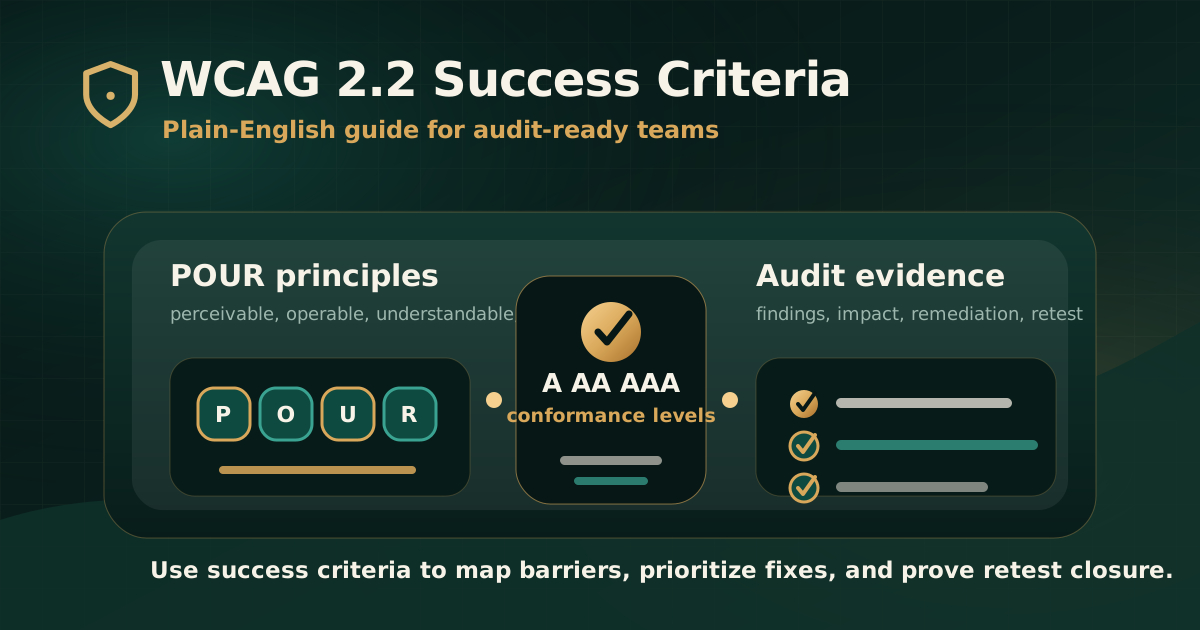
WCAG 2.2 is organized under four principles: perceivable, operable, understandable, and robust. These are often shortened to POUR. The principles describe the broad outcomes, while guidelines and success criteria break those outcomes into more specific checks.
W3C describes WCAG 2.2 success criteria as testable statements that are not technology-specific. This is important because the same criterion can apply across HTML pages, web apps, components, documents published online, and different device contexts.
- Perceivable means users can access the information through senses available to them.
- Operable means users can navigate and use the interface.
- Understandable means users can understand content, controls, instructions, and errors.
- Robust means content works reliably with browsers, assistive technologies, and user agents.
What A, AA, and AAA mean
WCAG success criteria are assigned conformance levels: A, AA, and AAA. Level A covers foundational barriers. Level AA is the common target for most audits, procurement expectations, and policy requirements. Level AAA is stricter and is often treated as advisory or applied selectively.
For audit buyers, the key decision is usually whether the target is WCAG 2.1 AA or WCAG 2.2 AA. The scope should name the version and level clearly so the report, remediation, and retesting all use the same target.
- Level A: basic requirements that remove many severe barriers.
- Level AA: the common practical target for serious accessibility audits.
- Level AAA: enhanced requirements that may not be practical for every asset or content type.
- Audit reports should not claim broad conformance unless the scope and evidence support it.
Perceivable criteria in plain English
Perceivable criteria ask whether users can receive the information being presented. If content is only available visually or only through audio, some users may be excluded.
In audits, perceivable findings often involve text alternatives, captions, structure, reading order, colour contrast, text resizing, reflow, and content that appears on hover or focus.
- Images that communicate meaning need useful text alternatives.
- Videos may need captions, transcripts, and audio description depending on the content and target level.
- Headings, lists, tables, labels, and relationships need programmatic structure, not only visual styling.
- Content should not rely only on colour, shape, position, or sound.
- Text and important visual indicators need enough contrast.
- Pages should remain usable when users zoom, resize text, or use smaller screens.
Operable criteria in plain English
Operable criteria ask whether users can move through the interface and complete actions. This includes people using keyboards, screen readers, switch devices, voice input, touch, or other assistive technology.
In audits, operable issues are often high-impact because they block task completion. A user may be able to read a page but still be unable to submit a form, close a modal, open a menu, use a date picker, or complete payment.
- All important functionality should be keyboard accessible.
- Users should not get trapped inside a component.
- Focus order should be logical and focus should be visible.
- Users should have enough time to complete tasks or extend time where appropriate.
- Content should not cause seizure risk through flashing.
- Pointer gestures, dragging, and small targets need accessible alternatives or sufficient usability.
Understandable criteria in plain English
Understandable criteria ask whether users can understand the content, interface behavior, forms, instructions, and error messages. Accessibility is not only about reaching controls; users also need to know what to do.
These criteria are especially important for forms, authentication, checkout, onboarding, KYC, service applications, financial actions, and workflows where errors can block completion.
- The page language should be identified correctly.
- Navigation and repeated interface patterns should behave consistently.
- Labels and instructions should help users complete fields correctly.
- Errors should be identified and explained clearly.
- Where possible, error suggestions should help users recover.
- Users should not be forced to re-enter information unnecessarily when the system already has it.
Robust criteria in plain English
Robust criteria ask whether content can be interpreted reliably by browsers, assistive technologies, and other user agents. The goal is compatibility, not only visual correctness.
For audits, robust findings often involve accessible names, roles, states, values, status messages, and incorrect use of ARIA. WCAG 2.2 marks Parsing as obsolete and removed, but semantic correctness and assistive technology compatibility remain important through other active criteria.
- Controls should expose the correct name, role, state, and value.
- Status messages should be available to assistive technology when they affect the user task.
- Native HTML should be used where possible before adding ARIA.
- ARIA should not misrepresent visual behavior or hide meaningful content.
- Dynamic updates should be tested with the assistive technology combinations in scope.
What changed in WCAG 2.2
WCAG 2.2 extends WCAG 2.1. W3C states that content conforming to WCAG 2.2 also conforms to WCAG 2.1 and WCAG 2.0, and that WCAG 2.2 does not deprecate or supersede earlier WCAG 2 recommendations.
For audit readiness, the most visible WCAG 2.2 additions affect focus visibility, dragging, target size, consistent help, redundant entry, and accessible authentication. These issues commonly appear in modern web apps, mobile-responsive flows, account journeys, and complex components.
- Focus Not Obscured (Minimum) helps keyboard users keep track of focus.
- Dragging Movements requires alternatives where dragging is not essential.
- Target Size (Minimum) addresses small or crowded controls.
- Consistent Help supports predictable support access where help is provided.
- Redundant Entry reduces unnecessary repeated input.
- Accessible Authentication reduces cognitive barriers in login and verification flows.
How success criteria appear in an audit report
A useful audit report does not simply list failed criteria. It connects the criterion to the affected user journey, observed barrier, evidence, severity, remediation guidance, and retest result.
This matters because a single WCAG criterion can fail in many different ways. For example, keyboard accessibility can fail in a menu, modal, date picker, upload control, payment form, or embedded widget. The report should explain the specific behavior that needs to change.
- Finding title and affected page, component, workflow, or document.
- User impact written in plain language.
- Mapped WCAG 2.2 success criterion and conformance level.
- Evidence such as screenshots, recordings, steps, selectors, device notes, or assistive technology observations.
- Expected accessible behavior and recommended remediation.
- Retest status after the fix is deployed.
Common mistakes when using WCAG criteria
The most common mistake is treating WCAG as a checklist detached from user journeys. Success criteria matter because they help identify user barriers, not because they create labels for a report.
Another mistake is assuming automated tools can validate every criterion. Automated checks are useful, but many WCAG criteria require human judgment, manual testing, assistive technology review, and workflow evaluation.
- Using WCAG labels without explaining user impact.
- Testing only static pages and ignoring logged-in workflows, forms, documents, and dynamic states.
- Treating a scan score as evidence of conformance.
- Mixing WCAG 2.1 and WCAG 2.2 without naming the target version.
- Ignoring Level A failures because the audit target is AA.
- Closing issues without retesting the actual user journey.
Practical recommendation
For most organizations, the practical target is not memorizing every WCAG 2.2 success criterion. The practical target is building an audit process that maps barriers clearly, prioritizes issues by user impact, gives teams remediation direction, and verifies closure.
Use WCAG 2.2 success criteria as the standards language. Use manual testing, assistive technology checks, and evidence to prove what is happening in the product. Use retesting to confirm that remediation actually removed the barrier.
Official references used
W3C WCAG 2.2: https://www.w3.org/TR/WCAG22/
W3C How to Meet WCAG 2.2 Quick Reference: https://www.w3.org/WAI/WCAG22/quickref/
W3C WCAG Overview: https://www.w3.org/WAI/standards-guidelines/wcag/
W3C Evaluating Web Accessibility Overview: https://www.w3.org/WAI/test-evaluate/