
Reporting
What Evidence Should an Accessibility Audit Report Include?
A practical guide to the evidence an accessibility audit report should include, covering scope, methodology, screenshots, user impact, WCAG mapping, remediation, and retesting.
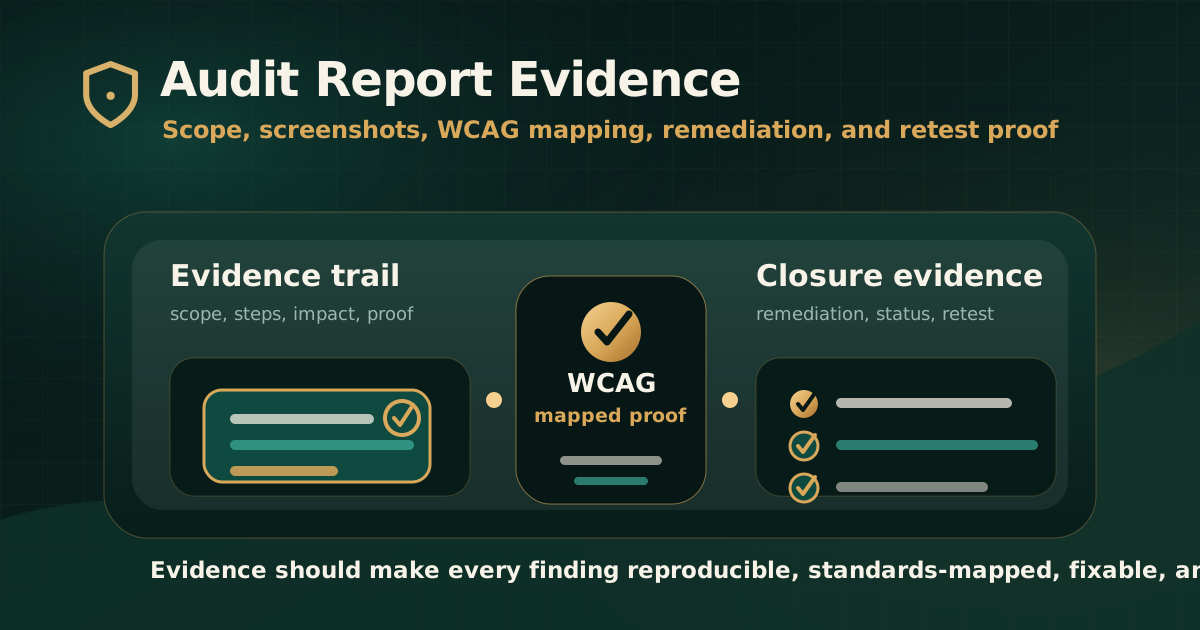
Quick answer: what evidence should an accessibility audit report include?
An accessibility audit report should include evidence that proves what was tested, what failed, who was affected, which standard applies, how the issue was reproduced, what accessible behavior is expected, how remediation should be approached, and whether retesting confirmed closure.
Good evidence makes the report useful after delivery. It helps compliance teams defend the audit trail and helps product, design, engineering, QA, content, and document teams fix the actual barrier instead of guessing.
Why evidence quality matters
W3C explains that evaluation tools help with accessibility evaluation, but no tool alone can determine whether a site meets accessibility standards. Knowledgeable human evaluation is required. That means audit evidence should show both what tools found and what expert review verified.
A report without strong evidence can create remediation delay. Teams may debate the issue, misunderstand the standard, fix the wrong component, or close a ticket without removing the user barrier.
- Evidence makes findings reproducible.
- Evidence connects user impact to a standards-mapped requirement.
- Evidence helps teams prioritize issues by risk and task importance.
- Evidence supports remediation decisions across design, engineering, content, documents, and vendors.
- Evidence creates a clear retest trail after fixes are deployed.
Evidence type 1: scope and standard evidence
The report should first prove what the audit covered. Without scope evidence, stakeholders cannot know whether the findings represent a full product, a sample, a single journey, a document set, or a limited review.
Scope evidence should also name the target standard and version so that findings, remediation, and retesting use the same baseline.
- Websites, apps, portals, documents, media, and workflows in scope.
- User roles, credentials, authenticated journeys, and test data used.
- Browsers, devices, operating systems, screen sizes, and assistive technologies tested.
- Target standard such as WCAG 2.1 AA, WCAG 2.2 AA, GIGW, IS 17802, Section 508, or EN 301 549.
- Known exclusions, limitations, third-party systems, and areas not tested.
Evidence type 2: methodology and tool evidence
A credible audit report should explain how the evidence was collected. W3C WCAG-EM provides a structured approach for website evaluation that includes defining scope, exploring the target, selecting a sample, evaluating, and reporting.
The methodology should distinguish automated scanning from manual review. A raw tool export is not enough for serious audit evidence, but tool results can be useful when combined with expert validation.
- Automated tools used and the purpose of each tool.
- Manual tests performed, including keyboard, screen reader, forms, focus, media, document, and dynamic-state checks.
- Sampling logic for pages, templates, reusable components, and critical journeys.
- Test environment and date of testing.
- How duplicate findings, recurring component issues, and limitations were handled.
Evidence type 3: issue location and reproduction evidence
Every meaningful finding should show where the issue occurs and how to reproduce it. This is the evidence that turns an audit observation into a fixable issue.
Reproduction evidence is especially important for web apps because barriers often appear only in a specific state, role, breakpoint, error condition, or assistive technology combination.
- Affected URL, app screen, workflow, component, document, or file.
- Steps to reproduce the issue.
- Expected accessible behavior.
- Actual observed behavior.
- State or condition such as modal open, field invalid, menu expanded, payment failed, upload complete, or mobile layout active.
- Selector, component name, screenshot, recording, or document reference where useful.
Evidence type 4: user impact evidence
User impact explains why the issue matters. A finding should not only say that a criterion failed; it should explain what the barrier prevents or makes difficult.
User impact helps leadership and remediation teams understand severity. It also prevents teams from treating accessibility as a checklist detached from real tasks.
- Who is affected, such as keyboard users, screen reader users, low-vision users, deaf or hard-of-hearing users, users with cognitive disabilities, or users relying on assistive technology.
- What task is blocked or made difficult.
- Whether the issue affects account access, form submission, payment, document access, support, search, or decision-making.
- Whether a workaround exists and whether that workaround is reasonable.
- How the issue affects risk, priority, and remediation urgency.
Evidence type 5: visual and interaction evidence
Screenshots are useful, but they are not enough for every issue. A low-contrast label, missing focus state, or overlapping text can often be shown visually. A keyboard trap, screen reader naming issue, or live-region failure needs interaction evidence.
Choose the evidence format based on the barrier.
- Screenshots for contrast, layout, focus visibility, visual labels, and document structure issues.
- Short recordings for keyboard traps, focus order, dynamic updates, modals, menus, and multi-step journeys.
- Keyboard path notes for Tab, Shift+Tab, Enter, Space, Escape, and arrow-key behavior.
- Screen reader observations for names, roles, states, values, reading order, and status messages.
- Browser, device, viewport, zoom, and assistive technology context where relevant.
Evidence type 6: WCAG and standards mapping
Standards mapping shows which accessibility requirement relates to the issue. WCAG mapping is useful because it gives teams a recognized reference for remediation and retesting.
The mapping should be precise and connected to the actual user barrier. A report should avoid broad claims that the evidence does not support.
- WCAG version and conformance target, such as WCAG 2.2 AA.
- Success criterion number, title, and level where applicable.
- Additional mapping to GIGW, IS 17802, Section 508, EN 301 549, or procurement requirements when included in scope.
- Explanation of how the observed issue relates to the mapped requirement.
- Clear distinction between failed, advisory, out-of-scope, and not-applicable items.
Evidence type 7: remediation evidence
Remediation evidence explains what needs to change. It should be practical enough that the responsible team can act, but careful enough not to overprescribe when implementation depends on the product architecture.
The best remediation guidance explains the expected accessible outcome and identifies the likely owner.
- Recommended fix direction.
- Expected accessible behavior after remediation.
- Responsible area such as design, engineering, QA, content, document remediation, or vendor.
- Reusable component or design-system pattern affected.
- Implementation notes for keyboard, screen reader, form, focus, document, or media issues where useful.
Evidence type 8: retest and closure evidence
An audit report is stronger when it supports retesting. Closure evidence should show whether the original barrier was fixed, partially fixed, not fixed, deferred, unable to verify, or out of scope.
Retest evidence should connect back to the original finding so the organization can prove what changed and what risk remains.
- Original finding ID.
- Remediation note or change reference.
- Retest date and tested environment.
- Retest result and status category.
- Evidence of fixed behavior such as screenshot, recording, screen reader note, keyboard path, URL, or document version.
- Remaining risk and next recommended action.
Common evidence gaps in weak reports
A polished report can still be weak if it does not contain enough evidence for action. The problem is not the visual quality of the PDF; the problem is whether teams can reproduce, prioritize, remediate, and verify findings.
Buyers should review evidence quality before choosing an audit partner or accepting a report as complete.
- Only automated scan output with no manual review context.
- No clear scope, exclusions, standards, or test environment.
- Findings without reproduction steps or expected behavior.
- WCAG references without user impact explanation.
- Screenshots without state, device, browser, or assistive technology context.
- No remediation guidance, owner context, or retest plan.
Practical recommendation
Ask for evidence that matches the issue type. Visual issues need visual evidence. Keyboard issues need keyboard paths. Screen reader issues need assistive technology observations. Document issues need file-level structure evidence. Remediation closure needs retest evidence.
A strong accessibility audit report should make every important finding understandable, reproducible, standards-mapped, remediation-ready, and retestable.
Official references used
W3C Evaluating Web Accessibility Overview: https://www.w3.org/WAI/test-evaluate/
W3C WCAG-EM Overview: https://www.w3.org/WAI/test-evaluate/conformance/wcag-em/
W3C WCAG Overview: https://www.w3.org/WAI/standards-guidelines/wcag/
W3C Web Accessibility Evaluation Tools List: https://www.w3.org/WAI/test-evaluate/tools/list/
W3C Easy Checks: https://www.w3.org/WAI/test-evaluate/preliminary/