
Audit Readiness
How to Prepare for an Accessibility Audit: Scope, Access, Evidence
A practical readiness guide for teams preparing for an accessibility audit, covering scope, standards, access, test data, documents, evidence, remediation owners, and retesting.
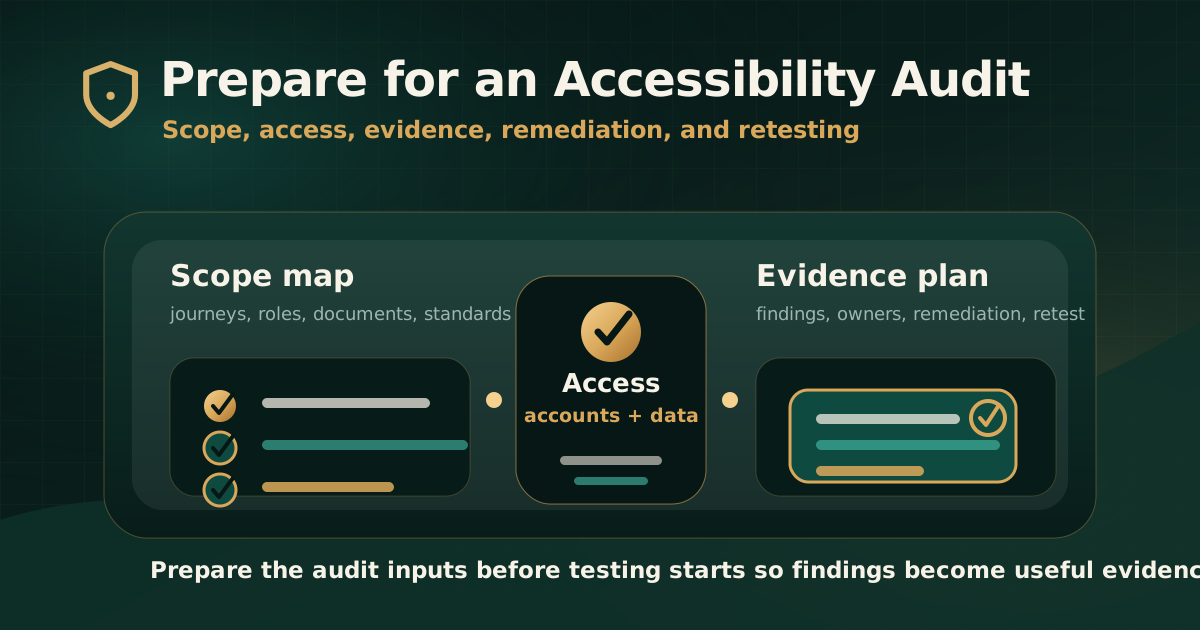
Quick answer: what should you prepare before an accessibility audit?
Before an accessibility audit, prepare the scope, standards, product access, test accounts, representative data, documents, user journeys, known limitations, evidence expectations, remediation owners, and retest plan. The goal is to let auditors evaluate real user tasks without delays or avoidable gaps.
A prepared audit gives better findings. It helps the report explain where barriers occur, who is affected, which standard applies, what evidence supports the issue, and what teams need to do next.
Why preparation changes audit quality
W3C describes accessibility evaluation as a process that can involve tools, expert review, and user involvement. That process works best when the target, scope, sample, and expected output are clear before testing begins.
If access is missing, test data is unrealistic, documents are forgotten, or standards are unclear, the audit may miss important barriers or spend time resolving logistics instead of testing user impact.
- Clear scope reduces disputes about what was and was not tested.
- Stable access prevents blocked testing during authenticated workflows.
- Representative data reveals real validation, transaction, document, and state-change issues.
- Evidence expectations help the final report support both governance and remediation.
- Defined owners make it easier to move from findings to fixes.
Checklist area 1: define the audit objective and standard
Start by defining why the audit is being performed. The objective affects the scope, report format, evidence depth, and retest expectations.
The audit target should name the standard and version clearly. For example, a website audit may target WCAG 2.2 AA. An Indian public-sector or procurement context may also need GIGW or IS 17802 mapping. A regulated or contractual project may need additional evidence fields.
- State whether the audit is for internal readiness, procurement, regulatory evidence, remediation planning, release approval, or retesting.
- Name the target standard, version, and level such as WCAG 2.1 AA or WCAG 2.2 AA.
- Clarify whether GIGW, IS 17802, Section 508, EN 301 549, or contract-specific mapping is needed.
- Define whether the report needs executive summary, issue inventory, screenshots, standard mapping, remediation guidance, and retest status.
- Document assumptions, exclusions, deadlines, and submission expectations.
Checklist area 2: map websites, apps, documents, and journeys
Do not scope an audit only by page count. Accessibility risk usually lives in journeys, components, documents, states, and role-based workflows.
A practical scope should identify what people need to complete: sign in, register, search, pay, apply, upload, download, manage an account, read a statement, submit a complaint, or receive support.
- List websites, subdomains, web apps, mobile apps, portals, and third-party flows.
- Identify high-risk journeys such as login, checkout, onboarding, KYC, payment, forms, dashboards, account management, and support.
- Include PDFs, documents, statements, notices, reports, forms, media, and downloadable content where they affect the user task.
- Capture reusable components such as navigation, modals, menus, accordions, tabs, date pickers, filters, and upload controls.
- Record responsive breakpoints, mobile layouts, language variants, and authenticated roles.
Checklist area 3: prepare access, accounts, and test data
Auditors need stable access that mirrors real user conditions. Missing credentials, expired sessions, blocked environments, or incomplete test data can delay testing and weaken the findings.
Access should be prepared before the audit starts, especially for role-based dashboards, transactions, payment states, document generation, workflows with approvals, and multi-step forms.
- Provide test URLs, staging or production access rules, VPN instructions, allowlisting, and support contacts.
- Create user accounts for every role in scope, including customer, admin, approver, agent, vendor, or internal user where relevant.
- Prepare realistic test records, transactions, documents, files, beneficiaries, products, forms, and error states.
- Confirm OTP, email verification, CAPTCHA, payment simulation, document upload, and timeout handling for test use.
- Explain data restrictions, reset steps, test environment limitations, and expected maintenance windows.
Checklist area 4: collect product and content context
Context helps auditors understand intended behavior. Without it, teams may spend time guessing how a complex workflow should behave or which component owns a failure.
This context does not need to be excessive. It should be enough to support accurate testing, evidence capture, and remediation assignment.
- Share sitemap, journey maps, key user flows, release notes, known issues, and analytics signals where useful.
- Provide design-system documentation, component inventory, content templates, and form patterns.
- Identify third-party tools such as chat widgets, payment providers, maps, video players, authentication tools, and embedded forms.
- List PDFs, media, downloadable documents, and document owners.
- Explain upcoming redesigns, frozen areas, vendor-owned systems, and known exceptions.
Checklist area 5: agree on evidence and reporting expectations
The audit report should be usable after delivery. That means evidence expectations should be defined before testing begins.
A useful finding should explain the user barrier, affected asset, reproduction steps, observed behavior, expected behavior, mapped standard, severity, recommended remediation, and retest result.
- Confirm whether findings need screenshots, recordings, URLs, selectors, device notes, assistive technology notes, or document samples.
- Define severity categories and how user impact, task criticality, and risk are weighed.
- Confirm whether findings should be grouped by page, journey, component, severity, owner, or standard.
- Decide whether executive summary, issue inventory, remediation tracker, and retest report are separate deliverables.
- Agree how duplicate issues and reusable component failures should be reported.
Checklist area 6: assign remediation owners early
Accessibility findings often cross team boundaries. A focus issue may need engineering work, but the expected interaction may need design approval. A PDF issue may belong to legal, content, operations, or a document vendor.
Assigning owners before the report arrives reduces handoff delay and helps teams convert findings into remediation work quickly.
- Identify owners for design, engineering, QA, content, documents, legal, product, accessibility, and third-party vendors.
- Decide who will triage severity, approve priority, and resolve scope questions.
- Prepare a remediation tracker or issue-management workflow.
- Define how findings will be accepted, deferred, duplicated, or assigned for retest.
- Set expectations for clarification calls after report delivery.
Checklist area 7: plan retesting before fixes begin
Retesting should not be an afterthought. It confirms whether remediation removed the barrier and whether the user journey now works as expected.
A retest plan should define what will be retested, when retesting can start, what evidence is required, and how final status will be documented.
- Define whether retesting covers all findings or only critical and high-priority items.
- Connect retest results to original finding IDs.
- Record statuses such as fixed, partially fixed, not fixed, deferred, unable to verify, or out of scope.
- Capture retest evidence such as screenshots, screen reader notes, keyboard behavior, URLs, document versions, and recordings.
- Document remaining risk when issues are not fully closed.
Common mistakes before an audit
Most audit delays are preventable. They happen because scope, access, data, documents, standards, or owners are not ready when testing begins.
The second common mistake is preparing only for automated scanning. A serious audit needs access to real states and workflows so manual keyboard, screen reader, document, form, and dynamic-state testing can happen.
- Starting the audit without naming the WCAG version or target level.
- Providing only public pages while excluding authenticated workflows that carry the real risk.
- Forgetting PDFs, documents, emails, statements, media, or downloadable forms.
- Supplying test accounts without realistic data or permissions.
- Ignoring OTP, CAPTCHA, timeout, error, loading, and failure states.
- Waiting until after the report to decide who owns remediation.
Practical recommendation
Prepare for an accessibility audit like a delivery project. Define the target standard, map the journeys, provide stable access, prepare realistic test data, agree on evidence, assign remediation owners, and plan retesting before testing starts.
The better the preparation, the more useful the audit report becomes. Teams get clearer findings, compliance stakeholders get stronger evidence, and remediation work can move faster.
Official references used
W3C Evaluating Web Accessibility Overview: https://www.w3.org/WAI/test-evaluate/
W3C WCAG-EM Overview: https://www.w3.org/WAI/test-evaluate/conformance/wcag-em/
W3C WCAG Overview: https://www.w3.org/WAI/standards-guidelines/wcag/
W3C Web Accessibility Evaluation Tools List: https://www.w3.org/WAI/test-evaluate/tools/list/
W3C Involving Users in Evaluating Web Accessibility: https://www.w3.org/WAI/test-evaluate/involving-users/