
WCAG Criteria
Captions, Transcripts, and Media Accessibility Explained
A practical guide to captions, transcripts, audio description, and accessible media controls for teams preparing a WCAG accessibility audit.
Quick answer: what makes video and audio accessible?
Accessible media makes the information and controls available to people who cannot hear the audio, cannot see the video, or use a keyboard or assistive technology. Depending on the media, that can require synchronized captions, a text alternative or transcript, audio description of important visual information, and a player whose controls people can operate.
Captions, transcripts, and audio description serve different needs. Publishing one of them does not automatically satisfy every Web Content Accessibility Guidelines (WCAG) requirement for a video. Audit the actual media type, target conformance level, content, and playback experience.
Captions, transcripts, and audio description: what is the difference?
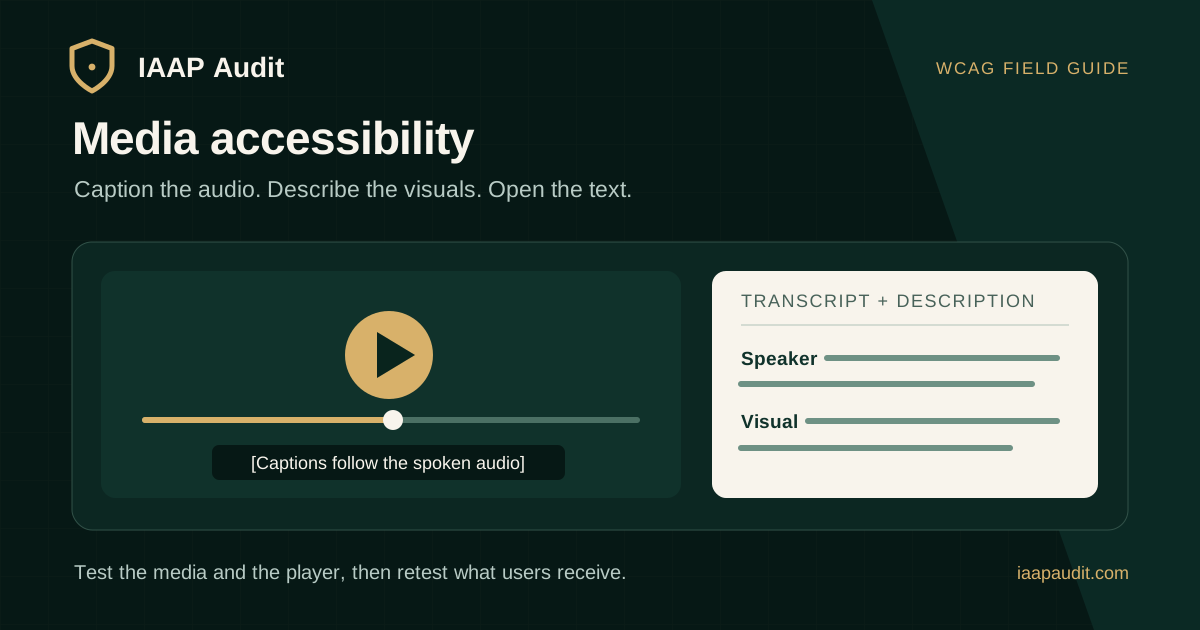
Captions are timed text presented with audio in a player. They include speech and non-speech sounds needed to understand the content, such as an alarm or a change of speaker. A transcript is a text version a person can read at their own pace; a descriptive transcript also explains essential visual information.
Audio description communicates important visuals through the audio experience, either in pauses or in a separate described version where appropriate. If the spoken soundtrack already tells listeners everything important that appears visually, additional description may not be necessary for that content. Review the actual information instead of assuming that every video needs the same production work.
- Captions: synchronized access to speech and meaningful sounds for video viewers who cannot hear them.
- Basic transcript: readable speech and relevant sound information without playback timing.
- Descriptive transcript: the audio information plus significant visual actions, on-screen text, or relationships needed to understand the video.
- Audio description: spoken access to visual information that the main soundtrack does not otherwise provide.
Which WCAG criteria apply to each media type?
Identify the media format before mapping findings. WCAG 2.2 success criteria in Guideline 1.2 distinguish prerecorded from live media and synchronized video from audio-only or video-only content. Exceptions and exact applicability should be checked against the criterion text.
- 1.2.1 Audio-only and Video-only (Prerecorded), Level A: provide an equivalent alternative for prerecorded audio-only content; for prerecorded video-only content, provide an equivalent text alternative or audio track.
- 1.2.2 Captions (Prerecorded), Level A: provide captions for prerecorded audio content in synchronized media, except when the media is a clearly identified alternative for text.
- 1.2.3 Audio Description or Media Alternative (Prerecorded), Level A: for prerecorded video in synchronized media, provide audio description or an equivalent media alternative, subject to the criterion's exception.
- 1.2.4 Captions (Live), Level AA: provide captions for live audio content in synchronized media.
- 1.2.5 Audio Description (Prerecorded), Level AA: provide audio description for prerecorded video content in synchronized media when meaningful visual information is not otherwise available in the audio.
What should good captions include?
Captions need to convey the audio accurately and appear at the right time. A verbatim speech file alone can still fail users if speaker changes, warnings, or other essential sounds are omitted. Captions should remain readable and avoid covering important on-screen information.
Automatic captions can be a starting point, but W3C notes that they commonly need human correction. A mistaken number, name, or negation can change the meaning of an instruction or compliance statement. Review the published version, not only the source caption file.
- Match speech to the audio without changing instructions or qualifiers.
- Identify speakers where the identity matters to understanding.
- Include meaningful non-speech sounds, such as an alarm relevant to the scene.
- Check timing, line breaks, and readability on desktop and mobile.
- Confirm the viewer can find and use the caption option in the chosen player.
When is a transcript needed or helpful?
For prerecorded audio-only content, WCAG 1.2.1 requires an equivalent alternative for time-based media; a transcript is a common way to provide it. For prerecorded video with sound, captions are required at Level A in applicable cases, while a separate transcript is not a universal Level AA requirement. W3C nevertheless recommends descriptive transcripts to support a wider range of needs, including people who are Deafblind.
Make a transcript easy to find near the media. Include the spoken information and meaningful sounds. If the transcript is intended to describe a video, add significant visual details that are not spoken, such as a diagram's conclusion or an on-screen instruction. A transcript containing only narration is not automatically a complete descriptive alternative.
How do auditors decide whether audio description is necessary?
Listen to the soundtrack without watching the video. Can the listener understand the essential actions, on-screen text, chart results, and changes in context? If not, those gaps should be described or otherwise addressed under the relevant criterion.
At Level A, WCAG 1.2.3 permits audio description or an equivalent media alternative for applicable prerecorded synchronized video. At Level AA, 1.2.5 calls for audio description. A transcript may improve access but should not be treated as a substitute for a Level AA audio-description requirement.
Can users operate the media player?
Accessible media can still be difficult to use if the player hides captions, exposes unlabeled controls, or cannot be operated with a keyboard. Test play and pause, seeking, volume, captions, and any description track in the player actually published on the page. Check focus order, visible focus, control names, and whether a caption choice persists appropriately during playback.
A third-party embed does not remove the need to examine the user experience on the page. If the player does not support a needed feature, record the limitation and evaluate an accessible delivery option. W3C's media-player guidance recommends allowing users to control playback and access available alternatives.
A practical media accessibility audit workflow
Build an inventory of videos, audio recordings, webinars, demonstrations, and embedded media. Prioritize material used for onboarding, payments, support, training, public information, and other important journeys. Note which files are live, prerecorded, audio-only, video-only, or synchronized audio and video.
Then test representative items in their published context. A caption track that works in a file preview may fail when placed in the site's player or on mobile.
- Record the media URL, title, duration, language, player, and tested device or browser.
- Compare the audio with captions at the start, middle, and key information points.
- Check a transcript for missing sound cues and significant visual details where a descriptive transcript is intended.
- Listen without video to identify visual information not communicated by the soundtrack.
- Operate the published player with a keyboard and inspect names and states of controls.
- Review mobile caption readability and whether controls remain discoverable.
What evidence should a media finding contain?
A finding such as video has no captions is useful only if it identifies the actual media, player, and state. A stronger finding records a timestamp and the speech or sound omitted, explains what a user misses, and maps the problem to the applicable criterion. For player issues, include the keyboard path and exposed control name or state.
Distinguish missing captions, inaccurate captions, absent visual description, incomplete transcript, and inaccessible controls. They may need different owners and remediation steps.
- Affected page and media file, language, duration, and tested player version.
- Timestamp, expected information or control behavior, and actual result.
- Screenshot, caption excerpt, transcript excerpt, or screen-reader and keyboard evidence as appropriate.
- User impact, applicable WCAG criterion and level, severity rationale, and corrective action.
- Retest date, version of the updated media, and verified result.
How should teams remediate and retest?
Assign ownership across content, video production, product, and engineering. Correct the caption file and republish the media when timing or wording is wrong. Add or revise the transcript when information is absent. Record audio description or adjust narration when significant visuals are otherwise unavailable. Replace or configure the player when its controls block access.
Retest the exact media and timestamps from the original finding in the published environment. Confirm controls, captions, description, and transcript remain available after encoding, hosting, and embedding. Keep the version and evidence with the audit record instead of closing findings on delivery of a file alone.
Common questions about captions and transcripts
Are subtitles the same as captions? Usage varies by region. For accessibility, the track needs to include the speech and meaningful non-speech audio, not only translated dialogue.
Does a transcript replace captions on a prerecorded video? No. Applicable prerecorded synchronized media requires synchronized captions at WCAG Level A, subject to the criterion's exception.
Are automatic captions enough? Only if the published captions are accurate and complete. Review names, numbers, instructions, speaker changes, and significant sounds.
Does every video require a separate audio-description track? Evaluate whether important visuals are already conveyed in the main audio and whether the chosen WCAG criterion applies. The requirement concerns access to the information, not a fixed production format for every video.
Official references
W3C WAI captions and subtitles guidance: https://www.w3.org/WAI/media/av/captions/
W3C WAI transcripts guidance: https://www.w3.org/WAI/media/av/transcripts/
W3C WAI description of visual information: https://www.w3.org/WAI/media/av/description/
W3C WCAG 1.2.1 audio-only and video-only prerecorded: https://www.w3.org/WAI/WCAG22/Understanding/audio-only-and-video-only-prerecorded.html
W3C WCAG 1.2.2 captions prerecorded: https://www.w3.org/WAI/WCAG22/Understanding/captions-prerecorded.html
W3C WCAG 1.2.3 audio description or media alternative: https://www.w3.org/WAI/WCAG22/Understanding/audio-description-or-media-alternative-prerecorded.html
W3C WCAG 1.2.4 captions live: https://www.w3.org/WAI/WCAG22/Understanding/captions-live.html
W3C WCAG 1.2.5 audio description prerecorded: https://www.w3.org/WAI/WCAG22/Understanding/audio-description-prerecorded.html
W3C WAI media player guidance: https://www.w3.org/WAI/media/av/player/
Prepare media for an accessibility audit
Share a list of published media, source files where available, caption tracks, transcripts, player details, target WCAG level, and the journeys where the media is used. That lets reviewers test what customers actually receive and prioritize high-impact content.
IAAP Audit can assess media and player behavior within a scoped accessibility audit, document standards-mapped findings, and retest the published experience after remediation.