
BFSI Accessibility
RBI Digital Accessibility Audit Checklist for Banks and Fintech Teams
A practical audit checklist for banks, NBFCs, fintech teams, and BFSI product owners reviewing accessibility across websites, apps, KYC, payments, documents, and support journeys.
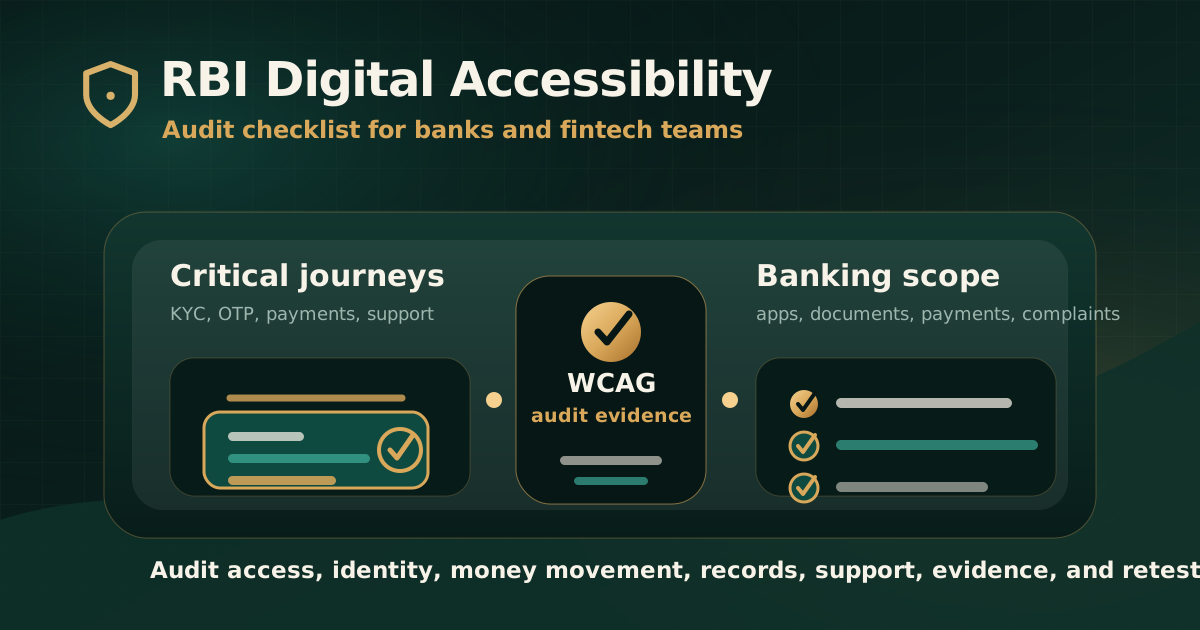
Quick answer: what should banks and fintech teams audit?
A digital accessibility audit for banks and fintech teams should review the customer journeys where users access money, identity, records, support, and account services. That means websites, mobile apps, internet banking, onboarding, KYC, login, OTP, fund transfer, bill payment, card controls, statements, documents, grievance flows, and support content.
For RBI-facing or BFSI products, the safest approach is to treat accessibility as an evidence-led audit scope. RBI customer-service guidance addresses access to banking facilities for visually challenged and differently abled customers, while WCAG provides the practical technical baseline for testing digital interfaces.
Why digital accessibility matters in banking
Banking journeys carry higher user impact than ordinary content pages. If a keyboard user cannot complete login, a screen reader user cannot understand an OTP error, or a low-vision user cannot read transaction details, the issue can affect access to money, account control, financial records, and complaint resolution.
RBI guidance on customer service has long emphasized that banking facilities should not be denied to visually challenged customers. In digital channels, that principle should push teams to test whether core banking and fintech workflows are actually usable by people with disabilities.
- Digital banking is often the primary channel for account access, payments, statements, and service requests.
- Security controls such as OTP, CAPTCHA, timeouts, device binding, and fraud warnings can create accessibility barriers if not designed carefully.
- Financial documents such as statements, notices, disclosures, terms, and repayment schedules often need separate document accessibility review.
- Customer-support journeys must remain usable when users cannot complete a digital transaction independently.
- Accessibility issues can affect customer service, operational risk, complaint handling, and product trust.
Checklist area 1: define the channels and journeys in scope
A weak audit scope lists only the marketing website. A stronger BFSI accessibility scope lists every high-impact digital channel and customer journey that affects access, identity, transactions, records, support, or consent.
Before testing begins, teams should define which products, roles, environments, test accounts, devices, languages, documents, and assistive technologies are included.
- Public website, product pages, calculators, eligibility pages, help pages, and branch or ATM locator flows.
- Internet banking, mobile banking, fintech app, wallet, card, investment, loan, insurance, or payment journeys.
- Onboarding, KYC, video KYC, account opening, profile updates, consent, and document upload workflows.
- Login, OTP, password reset, device binding, biometric fallback, CAPTCHA, timeout, and session-expiry states.
- Payments, fund transfers, bill payment, UPI or card actions, beneficiary management, transaction confirmation, and receipts.
- Statements, notices, terms, disclosures, forms, complaint flows, chatbot, call-back, and support escalation.
Checklist area 2: test WCAG fundamentals across the interface
WCAG testing gives banks and fintech teams a practical way to map accessibility barriers to recognized success criteria. For most digital banking audits, the baseline should include keyboard access, visible focus, labels, headings, colour contrast, error handling, names and roles, status messages, and responsive behavior.
This testing should cover real states, not only static screens. Financial products often fail accessibility when a user reaches validation, confirmation, loading, authentication, or transaction failure states.
- All controls can be reached and operated by keyboard.
- Focus order is logical and focus indicators remain visible.
- Buttons, links, fields, menus, tabs, dialogs, and custom widgets expose correct names, roles, states, and values.
- Text, icons, charts, transaction amounts, warnings, and status labels meet contrast and readability expectations.
- Errors are programmatically connected to fields and explain how to recover.
- Responsive layouts preserve content order and operability at zoom and mobile breakpoints.
Checklist area 3: review onboarding, KYC, and authentication
Onboarding and authentication are high-risk because they combine identity, security, forms, document capture, consent, and time-sensitive steps. A user blocked here may be unable to open, access, or recover an account.
Accessibility review should include both security and usability. A control can be secure and still inaccessible if it depends on visual-only cues, short timeouts, unreadable instructions, or pointer-only interaction.
- KYC instructions, consent language, camera permissions, upload steps, and rejection reasons are readable and programmatically available.
- OTP, password, PIN, biometric fallback, and recovery flows are operable without a mouse and understandable with a screen reader.
- Timeouts provide warning and extension where appropriate for the workflow.
- CAPTCHA or bot-protection mechanisms have accessible alternatives or support paths.
- Video KYC or assisted flows include clear instructions, captions or text support where relevant, and accessible error recovery.
- Users can correct identity, address, document, and contact errors without losing progress.
Checklist area 4: test payments, transfers, and transaction evidence
Payments and transfers require precise comprehension. Users need to review recipient details, amount, fees, dates, warnings, confirmation, and receipts before and after submission.
The audit should test happy paths and failure paths because accessibility issues often appear when transactions fail, time out, require re-authentication, or need confirmation.
- Beneficiary, payee, account, UPI ID, card, mandate, or biller details are announced and labelled clearly.
- Amount, currency, charge, tax, due date, frequency, and confirmation details are readable and programmatically exposed.
- Warning, fraud-alert, irreversible-action, and confirmation messages are not visual-only.
- Transaction success, failure, pending, reversal, and retry states are announced appropriately.
- Receipts, reference numbers, statements, and downloadable confirmations are accessible.
- The user can cancel, correct, retry, save, or escalate without losing context.
Checklist area 5: review documents, statements, and disclosures
Banks and fintech products rely heavily on documents. Statements, loan schedules, credit card terms, investment disclosures, notices, charge lists, forms, and policy documents can create barriers if they are visually polished but structurally inaccessible.
Document accessibility should be part of the same audit trail as the website or app. A customer journey is not accessible if the final document cannot be read, navigated, or submitted by assistive technology users.
- PDFs and documents have title, language, tags, headings, links, table structure, and logical reading order.
- Statements and transaction records preserve row, column, amount, date, and description relationships.
- Forms have accessible fields, labels, instructions, and submission guidance.
- Charts, fee tables, comparison tables, and disclosures include meaningful text alternatives or summaries.
- Scanned documents are OCR processed and then structurally reviewed.
- Critical documents are retested after remediation.
Checklist area 6: include support, complaints, and assisted channels
Accessibility does not end at the transaction screen. Users need support when authentication fails, a payment is stuck, a card is blocked, a document is unreadable, or a complaint needs escalation.
Support journeys should be tested for accessibility because they are often the fallback when the primary journey fails.
- Help content is structured, searchable, and readable.
- Chatbot, live chat, contact forms, callback forms, and complaint flows are keyboard and screen-reader accessible.
- Status messages, ticket IDs, escalation options, and response timelines are exposed clearly.
- Phone, email, branch, and assisted service options are easy to find.
- Users can attach documents, screenshots, or transaction references accessibly.
- Support pages do not depend only on visual icons, colour, or hover interactions.
What evidence should the audit report include?
A BFSI accessibility audit report should be useful to product, compliance, risk, customer-service, engineering, design, QA, and vendor teams. It should not be a raw scan export.
The report should connect every meaningful issue to user impact, affected journey, standard mapping, evidence, owner, remediation guidance, and retest status.
- Channel, product, URL, app screen, document, or workflow affected.
- User impact written in plain language.
- Device, browser, operating system, keyboard, screen reader, or other assistive technology context.
- Mapped WCAG criterion and any additional contractual, GIGW, IS 17802, or procurement mapping where applicable.
- Screenshots, recordings, reproduction steps, document sample, or test note.
- Severity, remediation owner, recommended fix, target date, retest date, and closure status.
Common mistakes to avoid
The most common mistake is treating accessibility as a website-only issue. For banks and fintech teams, the highest risk often sits inside authenticated journeys, apps, documents, OTP flows, payments, and support states.
Another mistake is using security as a reason for inaccessible design. Security controls still need accessible instructions, alternatives, recovery, and support paths.
- Auditing only public pages and ignoring logged-in banking workflows.
- Relying only on automated scans without keyboard, screen reader, and journey testing.
- Leaving PDFs, statements, notices, terms, and downloadable forms out of scope.
- Not testing OTP, CAPTCHA, timeout, biometric fallback, and account recovery states.
- Closing issues after code changes without retesting the real workflow.
- Using broad compliance wording that the actual audit evidence does not support.
Practical recommendation
Banks, NBFCs, fintech teams, and BFSI vendors should scope accessibility audits around the digital journeys that customers depend on most. Start with access, identity, money movement, account records, documents, support, and complaint resolution.
Use WCAG as the technical testing baseline, document evidence carefully, and retest critical issues after remediation. For RBI-facing work, avoid unsupported claims and keep the audit tied to the actual channels, standards, and evidence in scope.
Official references used
RBI Master Circular on Customer Service in Banks: https://www.rbi.org.in/commonman/english/scripts/Notification.aspx?Id=1457
RBI Banking Facility for Senior Citizens and Differently abled Persons: https://www.rbi.org.in/commonman/english/scripts/Notification.aspx?Id=2647
RBI Master Circular on Mobile Banking: https://www.rbi.org.in/commonman/english/scripts/Notification.aspx?Id=1888
RBI Cyber Security Framework in Banks: https://www.rbi.org.in/commonperson/english/scripts/Notification.aspx?Id=1721
W3C WCAG 2.2: https://www.w3.org/TR/WCAG22/
W3C Evaluating Web Accessibility Overview: https://www.w3.org/WAI/test-evaluate/