
Documents
PDF Accessibility Audit Checklist for Compliance Teams
A compliance-focused checklist for reviewing PDF and document accessibility before publication, procurement review, or remediation.
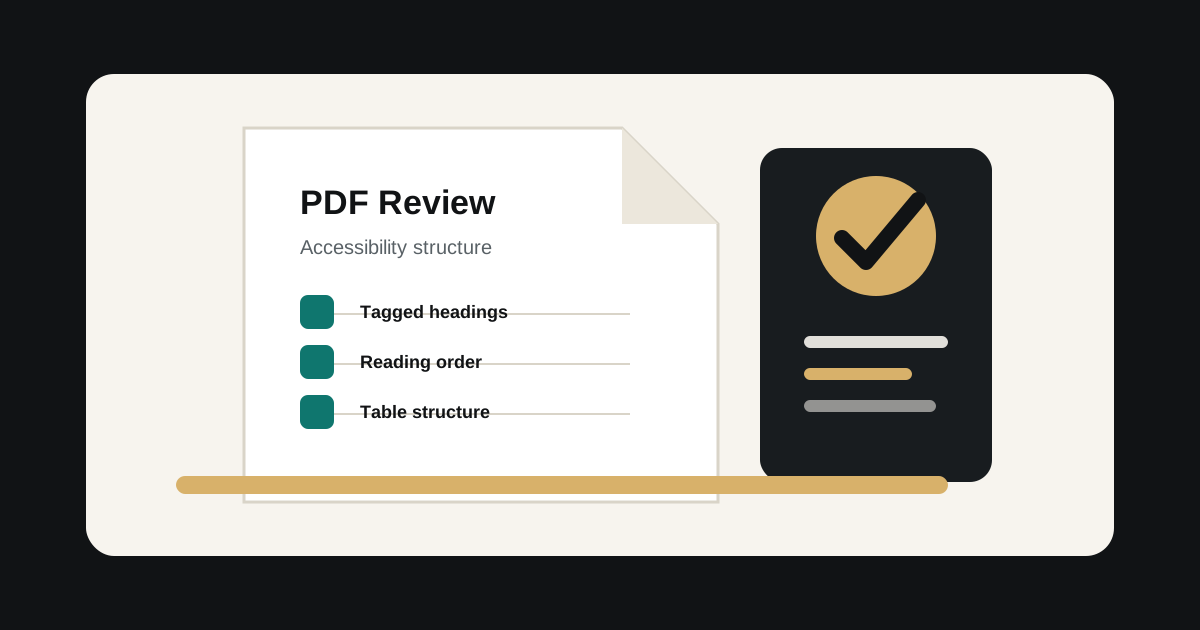
Visual polish is not document accessibility
A PDF can look finished and still fail for assistive technology. The underlying tag tree, reading order, language metadata, headings, tables, links, and form controls determine whether the document can be understood and operated.
Compliance teams should treat accessibility review as part of document governance, especially for disclosures, notices, statements, reports, forms, and public-sector submissions.
Review structure before publication
The most common PDF failures come from missing or incorrect structure. These issues are hard for users to work around and often require remediation in the source file or specialist PDF tooling.
- Document title and language metadata.
- Logical heading structure.
- Correct reading order.
- Tagged lists, tables, links, and form fields.
- Alternative text for meaningful images.
- Accessible names and instructions for form controls.
Prioritize high-risk documents first
Most organizations have more documents than they can remediate immediately. Prioritize documents that are legally required, frequently used, customer-facing, time-sensitive, or essential to completing a service.
A practical audit should group documents by risk level and remediation pattern so teams can fix repeat issues faster.
Do not rely only on automated checks
Automated PDF checks are useful for finding obvious structural problems, but they cannot reliably confirm reading order, meaningful alt text, table intent, form instructions, or whether the document actually supports the user task. Manual review is still needed for important documents.