
GIGW Guidance
GIGW 3.0 Accessibility Checklist for Websites and Apps
A practical checklist for Indian government teams and vendors preparing websites, portals, and apps for GIGW 3.0 accessibility review.
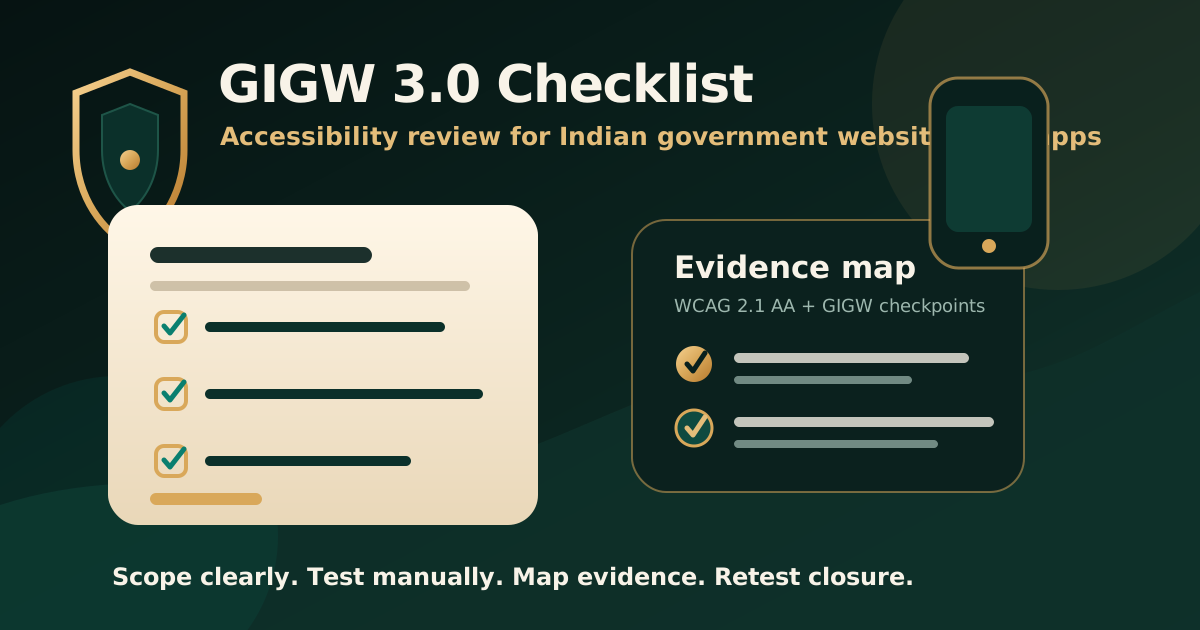
Quick answer: what should a GIGW 3.0 accessibility checklist cover?
A GIGW 3.0 accessibility checklist should cover government websites, portals, and apps, not only static public pages. The review should include WCAG 2.1 AA mapping, keyboard operation, screen reader behavior, content structure, colour and contrast, forms, documents, mobile accessibility, captions, errors, language, focus order, and evidence for remediation and retesting.
The goal is not to create a decorative checklist. The goal is to create a defensible audit trail that helps government teams, system integrators, vendors, and compliance reviewers understand what was tested, what failed, what was fixed, and what evidence supports closure.
Why GIGW 3.0 matters for Indian government digital services
The official GIGW introduction states that GIGW 3.0 provides upgraded guidance for accessibility of websites and apps. This matters because citizen-facing services increasingly include portals, forms, mobile apps, dashboards, downloadable documents, login journeys, grievance flows, payment screens, and status-tracking interfaces.
A government website can look complete while still blocking users who rely on keyboards, screen readers, captions, magnification, high contrast, text resizing, or clear error messages. A GIGW-focused audit should therefore test both presentation and task completion.
- Public websites and landing pages.
- Citizen service portals and authenticated journeys.
- Government mobile apps and responsive web views.
- PDFs, forms, circulars, notices, reports, and downloadable documents.
- Search, grievance, application, payment, tracking, and contact workflows.
Start with scope before testing
Most weak audits fail before testing starts because scope is unclear. A serious GIGW 3.0 review should define the URLs, apps, user roles, documents, workflows, languages, platforms, devices, and exclusions that will be assessed.
The scope should also say whether the report will map findings only to WCAG 2.1 references, to GIGW checkpoint language, or to both. That decision affects how evidence is written and how remediation teams close issues.
- List all websites, subdomains, portals, apps, and service flows in scope.
- Identify user roles, login credentials, test data, and representative transactions.
- Include high-risk documents such as forms, certificates, notices, reports, and public instructions.
- Confirm target standards, report format, evidence expectations, and retest process.
- Record known exclusions, upcoming redesigns, and third-party components.
Checklist area 1: content structure and readability
GIGW accessibility review should start with the structure that helps users understand a page. Headings, labels, page titles, link text, lists, tables, language attributes, and reading order all affect whether assistive technology users can navigate and interpret content.
This part of the checklist is especially important for government websites because users may be reading eligibility rules, deadlines, application instructions, public notices, and service information under time pressure.
- Each page has a meaningful title and logical heading structure.
- Links explain their destination or action without relying only on surrounding text.
- Tables use headers and structure only when tabular data is required.
- Instructions do not depend only on colour, shape, position, or sound.
- Page language and any language changes are programmatically identifiable.
- Content remains understandable when text is resized or spacing is adjusted.
Checklist area 2: keyboard, focus, and navigation
Keyboard access is a core accessibility requirement because many users cannot use a mouse or touch gesture reliably. The audit should check whether every meaningful action can be completed with a keyboard and whether focus movement is visible, logical, and predictable.
Government service journeys often include menus, accordions, date pickers, modals, upload controls, search filters, forms, and payment redirects. These interactions need manual testing because automated tools cannot prove that a real user can complete the task.
- All interactive controls can be reached and operated by keyboard.
- Focus order follows the visual and logical sequence of the page.
- Visible focus is not removed, hidden, or obscured by sticky elements.
- Skip links or equivalent navigation support are available where useful.
- Menus, dialogs, accordions, tabs, carousels, and custom widgets manage focus correctly.
- No keyboard trap blocks completion of a service journey.
Checklist area 3: forms, errors, and citizen service flows
Forms are where accessibility failures become service failures. A user may be able to read a page but still be blocked when applying for a certificate, submitting a grievance, checking status, uploading a document, or completing payment.
A strong GIGW audit should test forms with realistic data and error states, not only empty fields. Error messages must be discoverable, understandable, and connected to the fields they describe.
- Every input has a programmatic label and clear instructions.
- Required fields are identified in more than one visual-only way.
- Errors are announced, described, and linked to the relevant field.
- Users can review, correct, and resubmit information without losing context.
- CAPTCHA, OTP, authentication, and upload flows have accessible alternatives or support.
- Timeouts, session expiry, and payment redirects do not create avoidable barriers.
Checklist area 4: media, documents, and downloads
Government websites often publish notices, forms, reports, videos, meeting recordings, circulars, schemes, manuals, and scanned documents. Accessibility review should not stop at HTML pages if critical information is delivered through downloadable files or media.
Automated scans can miss whether a PDF has meaningful tags, correct reading order, usable form fields, or useful alternative text. Important documents need manual review and remediation planning.
- Pre-recorded video has captions and required audio description or media alternatives where applicable.
- Live audio content has caption support where required by the relevant checkpoint.
- PDFs and documents have tags, language, title, headings, reading order, alt text, and usable links.
- Scanned PDFs are converted to real text using OCR and then reviewed for structure.
- Download links identify file type, purpose, and context.
- Critical forms are available in accessible formats before publication.
Checklist area 5: mobile and app accessibility
GIGW 3.0 explicitly covers websites and apps, so mobile behavior cannot be treated as a secondary issue. Teams should test responsive pages and native or hybrid apps with platform accessibility features enabled.
Mobile accessibility checks should include orientation, text scaling, touch target spacing, screen reader order, focus movement, gesture alternatives, contrast, and behaviour with system accessibility settings.
- Content works in portrait and landscape unless one orientation is essential.
- Important controls remain usable with large text, magnification, and display scaling.
- Touch targets are large enough and not crowded by adjacent controls.
- Screen reader order follows the intended user journey.
- Gestures have accessible alternatives where the action is important.
- Mobile app controls expose name, role, state, value, and instructions correctly.
Checklist area 6: evidence and report readiness
A checklist becomes useful only when it produces evidence. A GIGW 3.0 accessibility report should make each issue reproducible, standards-mapped, prioritised, and practical for remediation teams.
The report should also make retesting possible. Without a clear original finding, affected screen, expected behaviour, and closure evidence, teams struggle to prove that remediation has actually removed the barrier.
- Finding title, affected page, app screen, document, or workflow.
- User impact explained in plain language.
- Mapped GIGW checkpoint or WCAG 2.1 reference where applicable.
- Screenshot, screen recording, reproduction steps, device context, or assistive technology note.
- Severity, owner, recommended remediation, and expected accessible outcome.
- Retest date, retest result, and closure evidence.
Common mistakes that weaken GIGW accessibility work
Many teams treat GIGW accessibility as a final pre-launch check. That creates rework because accessibility issues often live in design systems, content publishing workflows, authentication patterns, PDF production, and reusable components.
A better approach is to treat GIGW readiness as a delivery discipline. Test early, document evidence, assign owners, remediate barriers, and retest before external review or public release.
- Testing only the home page and ignoring service journeys.
- Relying only on automated accessibility scores.
- Leaving PDFs, forms, documents, and mobile apps out of scope.
- Writing findings without user impact or remediation guidance.
- Closing issues without retest evidence.
- Using broad compliance wording that the actual audit scope does not support.
Practical recommendation
For Indian government teams and vendors, the safest GIGW 3.0 approach is to audit around real services. Start with high-impact journeys, include documents and mobile behaviour, map findings to the expected checkpoints, and keep enough evidence to support remediation and retesting.
A strong accessibility checklist is not just a launch gate. It is a shared evidence system for content owners, designers, developers, QA teams, procurement reviewers, and governance stakeholders.
Official references used
GIGW 3.0 introduction: https://guidelines.india.gov.in/introduction/
GIGW 3.0 new features: https://guidelines.india.gov.in/new-features-of-gigw-3-0/
GIGW focus areas: https://guidelines.india.gov.in/focus-areas/
GIGW guidelines and accessibility checkpoints: https://guidelines.india.gov.in/guidelines/
GIGW Annexure II conformity matrix: https://guidelines.india.gov.in/annexure-ii-matrix-to-check-conformity/
W3C WCAG 2.1: https://www.w3.org/TR/WCAG21/